Antigravity CLI, Pilot and Assistant for My Daily Activity in GitLab

🇫🇷 Une version française de cet article est disponible ici
🗓️ My daily activity with GitLab
Managing my professional activity is a subject I’ve been thinking about for several years. I even created this article on dev.to to share my way of working and my choice of tool 😁. For the past 6 years, I have been using a GitLab project daily to save and list my to-do items, concerning open source projects, my activities within Zenika, or anything related to the communities I am active in.
🙌 Antigravity, my new “IDE”
Antigravity, the agentic development environment created by Google, has become my new work tool. If you don’t know it yet, I created these two articles here and there. In this post, I’ll focus on how Antigravity help me to harmonize my tickets and save time.
🤖 Antigravity CLI
A CLI version of Antigravity appeared in version 2.0. If you were a Gemini CLI user, a migration of your configuration is proposed and only takes a few minutes.
Antigravity CLI can be installed on MacOS, Linux, and Windows (see install doc). Once installed, the “agy” command launches the CLI and allows you to interact with your projects.
🦊 Antigravity CLI & GitLab
In Antigravity, there are two approaches to interact with GitLab:
- using the GitLab MCP: https://docs.gitlab.com/user/gitlab_duo/model_context_protocol/mcp_server/
- using the GitLab CLI: glab
The MCP solution is clearly more elegant due to its newly arrival in the AI ecosystem, but I chose to use the CLI. This is mainly because I’ve been using glab for several years (even before GitLab brought this project in their perimeter). I’m comfortable with the commands for my use case. Additionally, the MCP is quite new, GitLab is working on it, the stability of the CLI was another factor. A major point is token cost: using the CLI directly allows me to reduce the token consommation.
Antigravity knows the glab CLI; I amused myself by asking it:
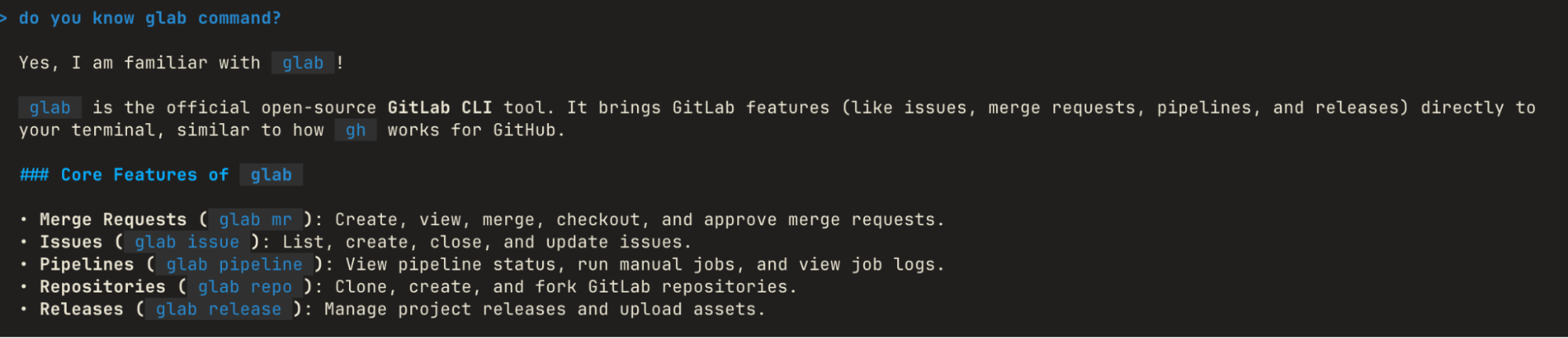
and confirmed the CLI was present on my machine:
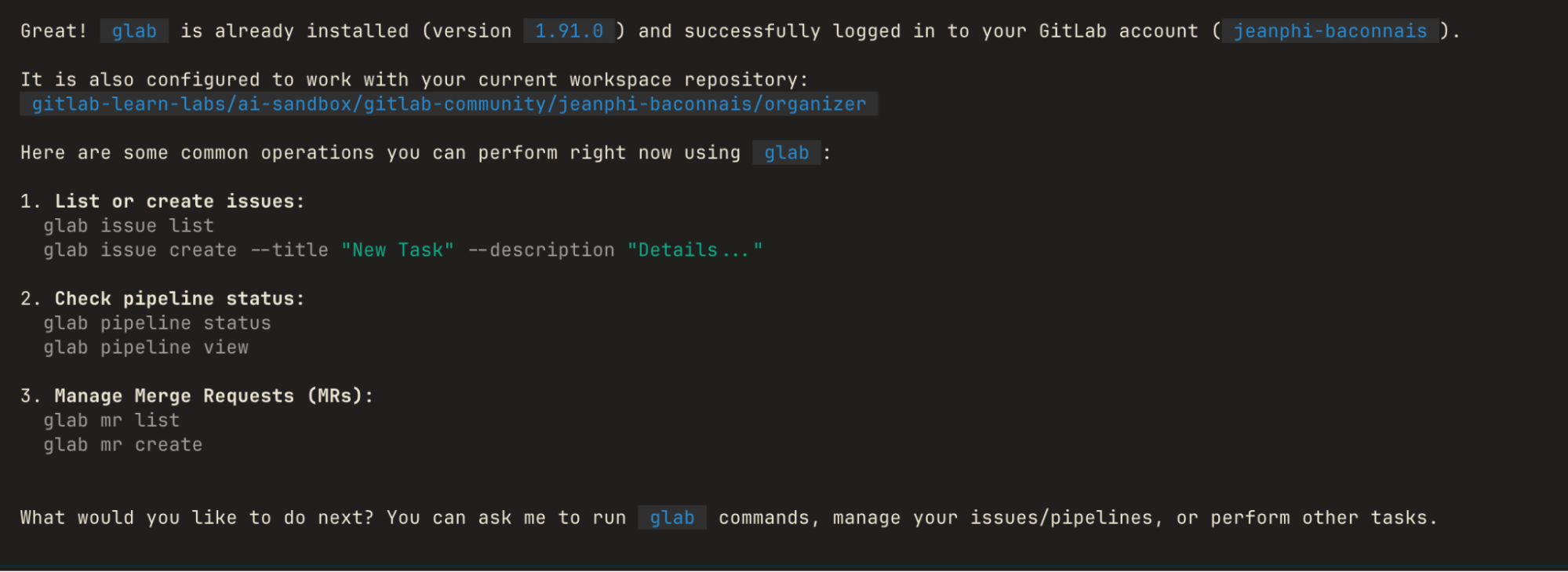
To guide Antigravity to use glab and avoid querying the MCP or other tools, I created a skill to list the glab commands I would need.

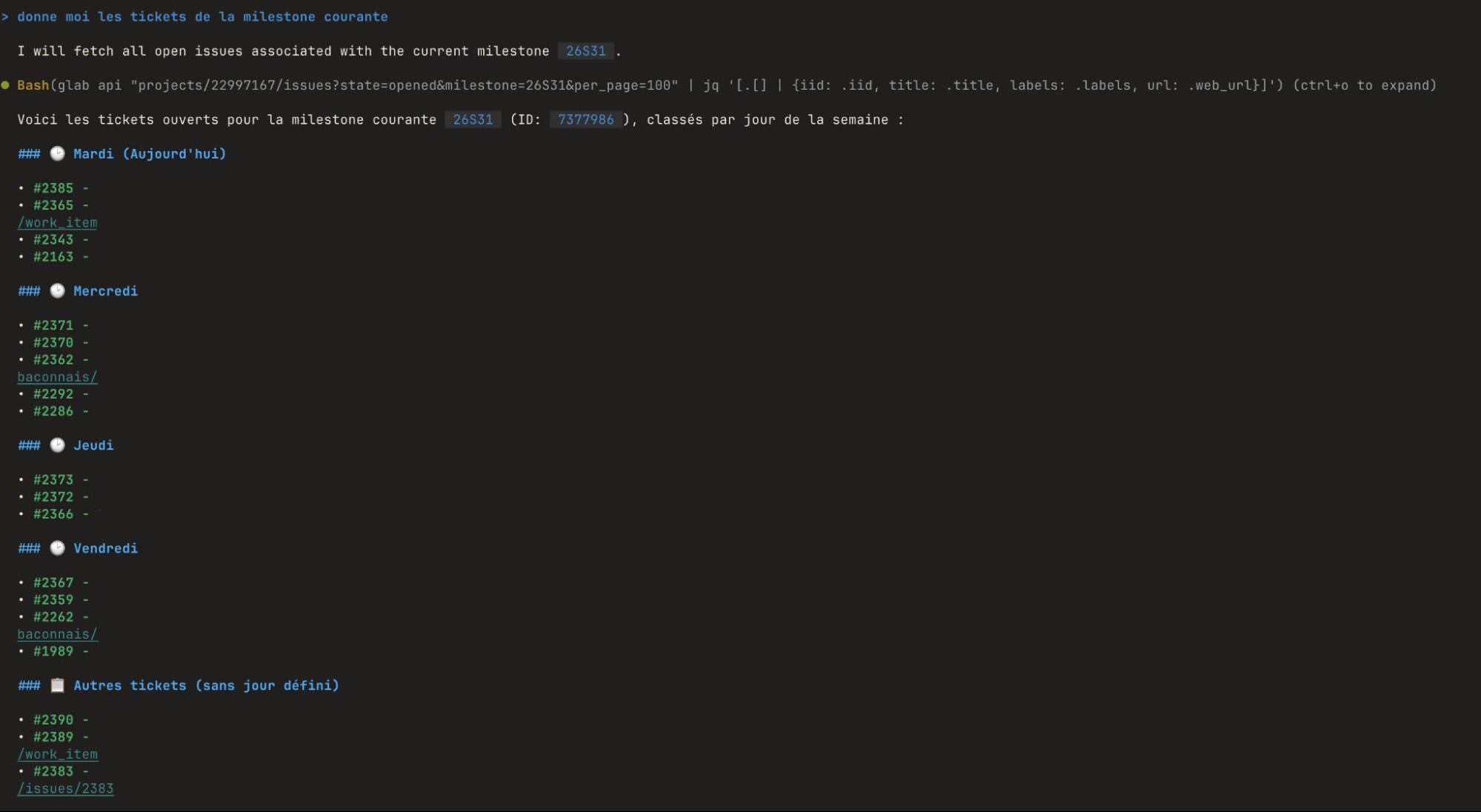
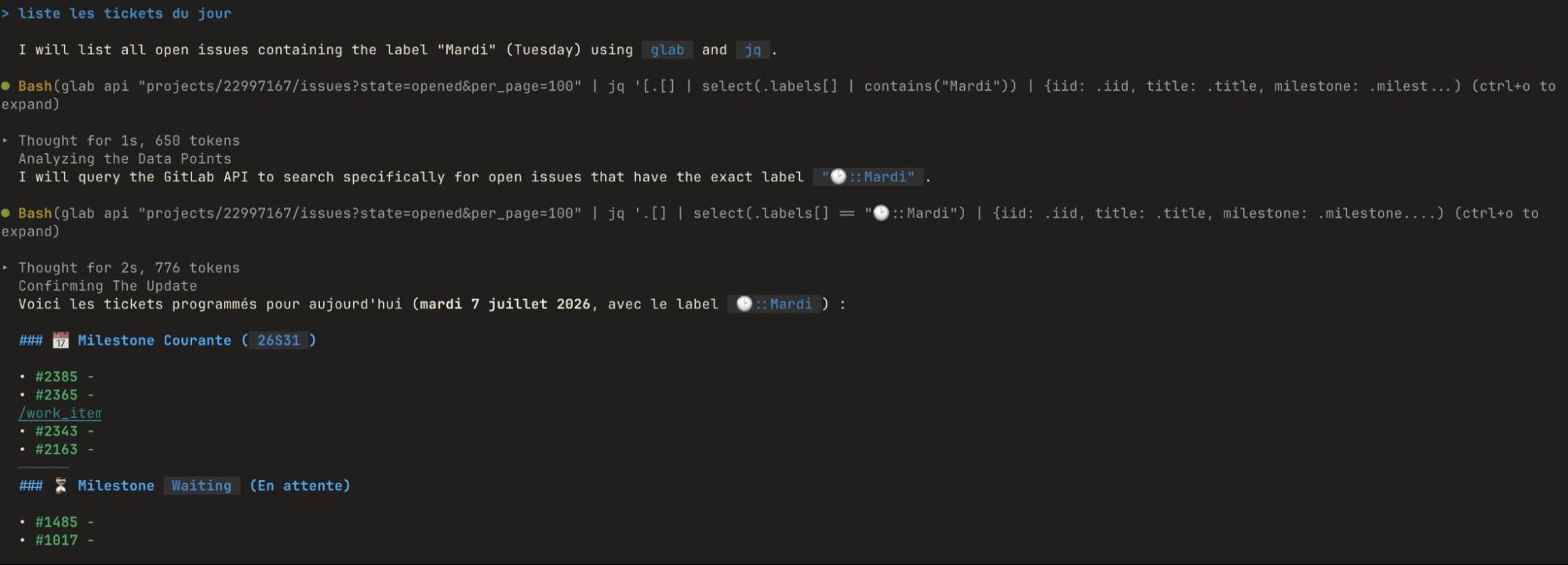
From there, I can start querying via Antigravity CLI to retrieve information about my issues for the week’s milestone or the current day’s issues.
I can also ask it to create an issue for me with minimal information. I detailed several issue types to Antigravity assign directly label depending of the issue:
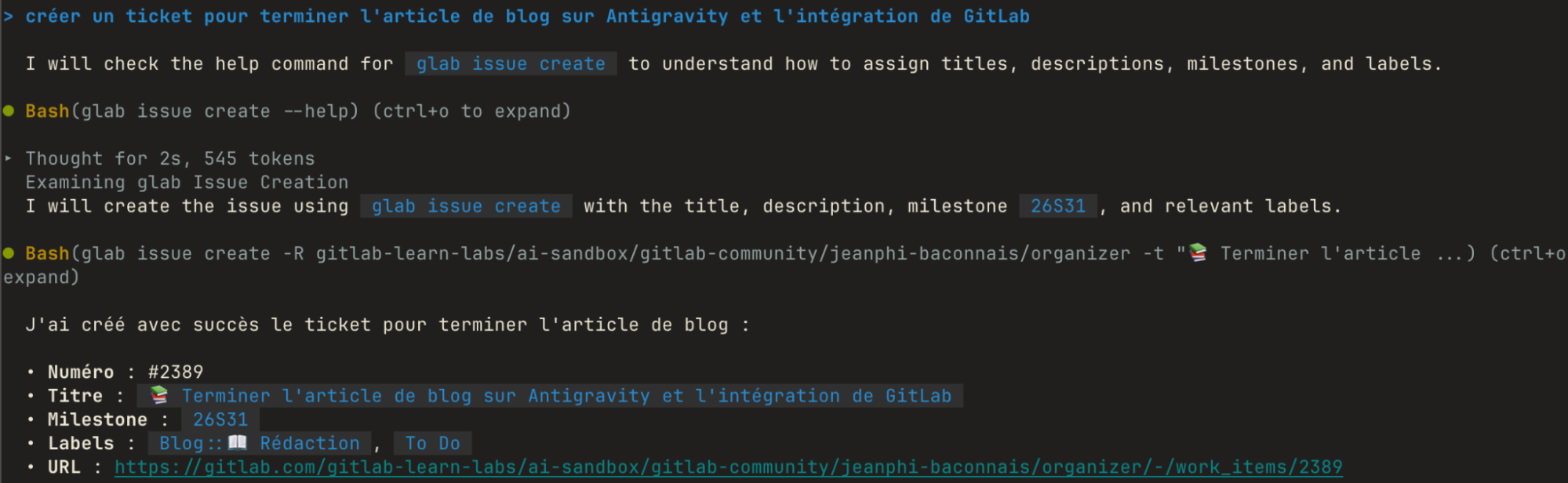
In this example, the issue was indeed created (that’s a good first step 😅) with:
- two labels
- a title prefixed by the emoji I specified in the skill
- the current milestone
➡️ Antigravity allows you to quickly create issues with attributes set according to my expectations (labels, milestone).
When I’m not at my computer and I think of a task to do, whether it comes to mind or from receiving an email (yes, I’m a fan of “zero inbox” 😁), I send or forward the email to the “Service Desk” of my project provided by GitLab. An issue will be automatically created, but assigning it to a milestone and setting labels are unfortunately not possible.
With Antigravity, I can ask it to “move all tickets without a milestone to the current milestone”. This request works very well and is useful for processing a batch of tickets. It’s generally what I do on Monday mornings when I’ve used the Service Desk to create tickets for myself.
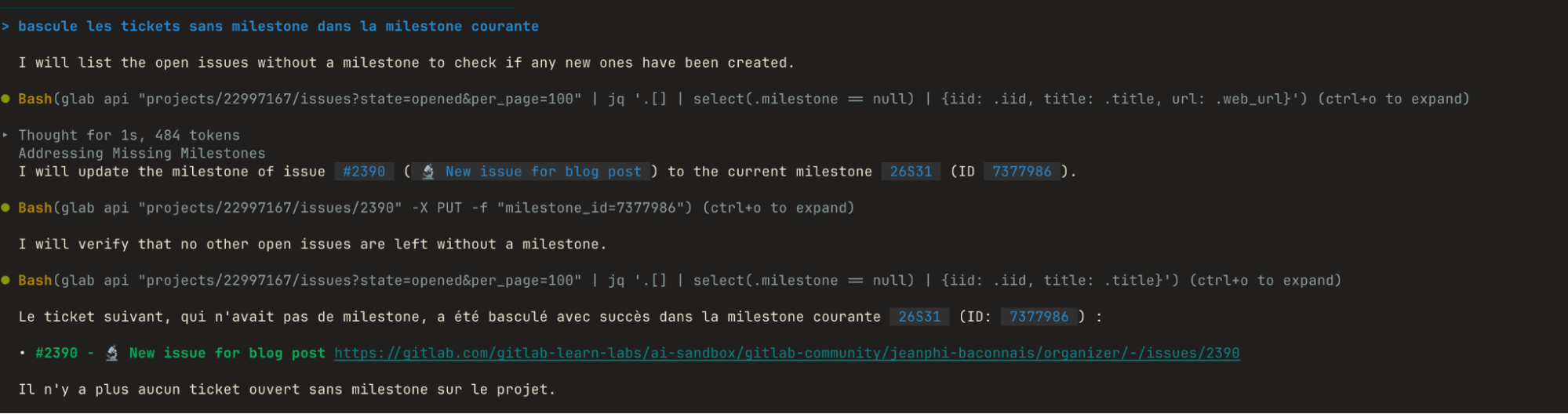
Doing this for one ticket in GitLab is not a very long task. When there are 5 or 6, it starts taking a bit more time and, above all, becomes boring. This is where Antigravity’s “schedule” action comes to help me. This command allows you to define an instruction that you want to be executed later or repeatedly.


With this request, I’ll find all my tickets created over the weekend in my current milestone every Monday morning at 9 a.m.
➡️ This scheduling is a first example of action that can be delegated to Antigravity. For me, in this example, it certainly reduces me to a single action. But opportunities are present such as reviewing tickets to harmonize labels.
Conclusion
Bringing Antigravity into my daily organization brings me considerable comfort and time savings, whether in the creation or management of my daily issues without leaving my terminal.
I also detailed in a skill how to create my milestones so I only have to ask Antigravity to “create the next 10 milestones”. When Friday evening comes and I have several tickets left that I would normally have edited to change the milestone or the day’s label, I just have to ask Antigravity. The time savings are real.
Managing my activities has made me think for several years. Doing it in GitLab is the best solution for me. With Antigravity as an assistant, organizing my activity and my time simply saves me… time 😁.